A few weeks ago I wrote a post that showed you a way to tame your email inbox (here is a link in case you missed it: https://realtytechbytes.com/taming-the-wild-email-inbox/).
If you did what I suggested that you do you have had an amazingly empty Inbox to look at at the end of each day because all of your email has either been acted upon or filed away. But, now that it is filed, how can you find it quickly and easily?
I am going to look at a few Outlook add-on products and one from Google that will make finding email that has been filed a simple job.
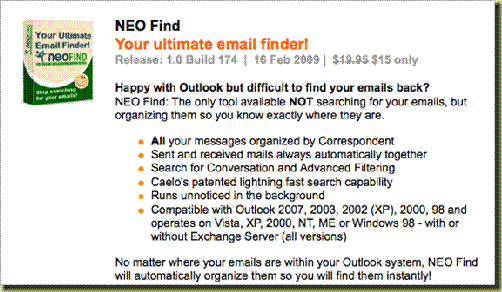
First we’ll look at NEO Find, which currently costs $15.00 after a 90 day free trial. NEO also offers a Pro version that may be a bit more than you want for $49.95, again after a 90 day free trial.
Next up is Xobni (In box spelled backwards) which takes a much different approach. It not only finds an email, but keeps some very useful statistics for you as well. Xobni is currently free.

http://www.xobni.com/
Next, we’ll look at Google Desktop Search, also free. Although technically not an email search tool, it will index everything on your computer and allow you to find any file, email, word, phrase and anything else that you are looking for on your computer, and do so with the speed and accuracy of the Google Web search that you already know how to use.
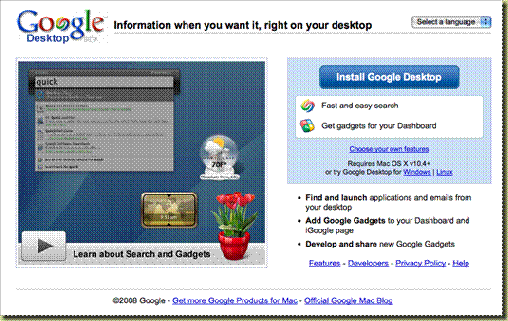
http://desktop.google.com
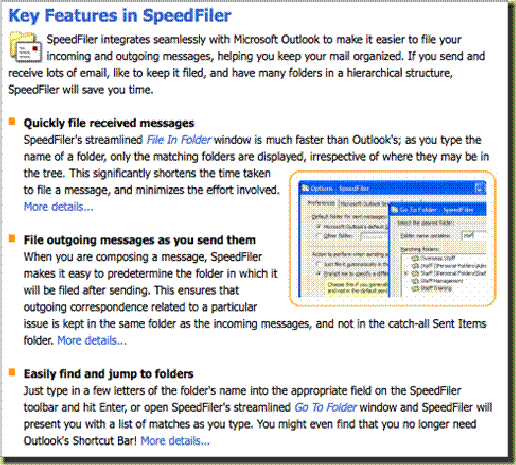
Finally, you might want a little help with the filing process along with the ability to quickly find the emails that you have filed. In that case, SpeedFiler may be exactly what you need. Currently priced at $24.95 for the Personal version or $39.95 for the Professional version. Both come with a 30 day Free Trial.
To learn more about any of these products just click on the pictures to go to their respective websites. All offer tutorials and setup instructions, and any of them will improve your experience of using your computer and will certainly help your productivity.
If you have discovered something better, please leave a comment for all of us.
Like this:
Like Loading...

Author: Jerry Kidd
http://www.JerryKidd.com Jerry Kidd, GRI, CRS, CRB SRES, ePRO a 37 year veteran of the real estate industry, has listed and sold houses, managed real estate offices, been the IT Director for a major Northern California real estate company as well as being the Training Director for yet another major Northern California real estate company .
Jerry earned his GRI early in his real estate career and then went on to earn his CRS and CRB setting the tone for a career-long focus on the importance of continuing education. Along the way, Jerry has earned three Microsoft certifications, MCP, MCP+I and MCSE, as well as one from Cisco, CCNA. Rounding out his list of technology certifications are two from COMPTIA, an A+ and a Network+, as well as the ePRO from NAR.
Jerry is currently a California State Certified Instructor for the SRES and GRI programs, presenting courses on working with seniors, listing techniques, technology and advanced technology applications. Jerry is also a NAR Certified ePRO Trainer, zipForms Certified Trainer and a DocuSign Certified Trainer.